'/%3E%3C/svg%3E)

Six key features to secure and control your IT estate
From automated inventory to the private AI assistance companion, SecuriDesk brings together the IT asset management features that cover the entire lifecycle of your workstations and software. And the scope is growing: SecuriDesk now natively manages Windows servers, Linux servers and Linux workstations, and integrates Android and iOS mobile devices and Apple workstations through its APIs and partners.
Workstations, servers, mobile devices: the platforms covered by SecuriDesk
Having reached one of the broadest scopes on the market for managing Windows PC estates, SecuriDesk is taking the next step. The platform now natively manages Windows servers, Linux servers and Linux workstations. Through its APIs and partners, SecuriDesk also integrates Android mobile devices, iOS mobile devices and Apple workstations.
Windows workstations
Our historical foundation, with one of the broadest management scopes on the market.
Windows servers
Managed directly in SecuriDesk.
Linux servers
Managed directly in SecuriDesk.
Linux workstations
Managed directly in SecuriDesk.
Android mobile devices
Integrated through SecuriDesk APIs and our partners.
iOS mobile devices
Integrated through SecuriDesk APIs and our partners.
Apple workstations (macOS)
Integrated through SecuriDesk APIs and our partners.
Want to check support for a specific environment? Let’s discuss it during a video demo. Book a video demo
Automate your workstation inventory
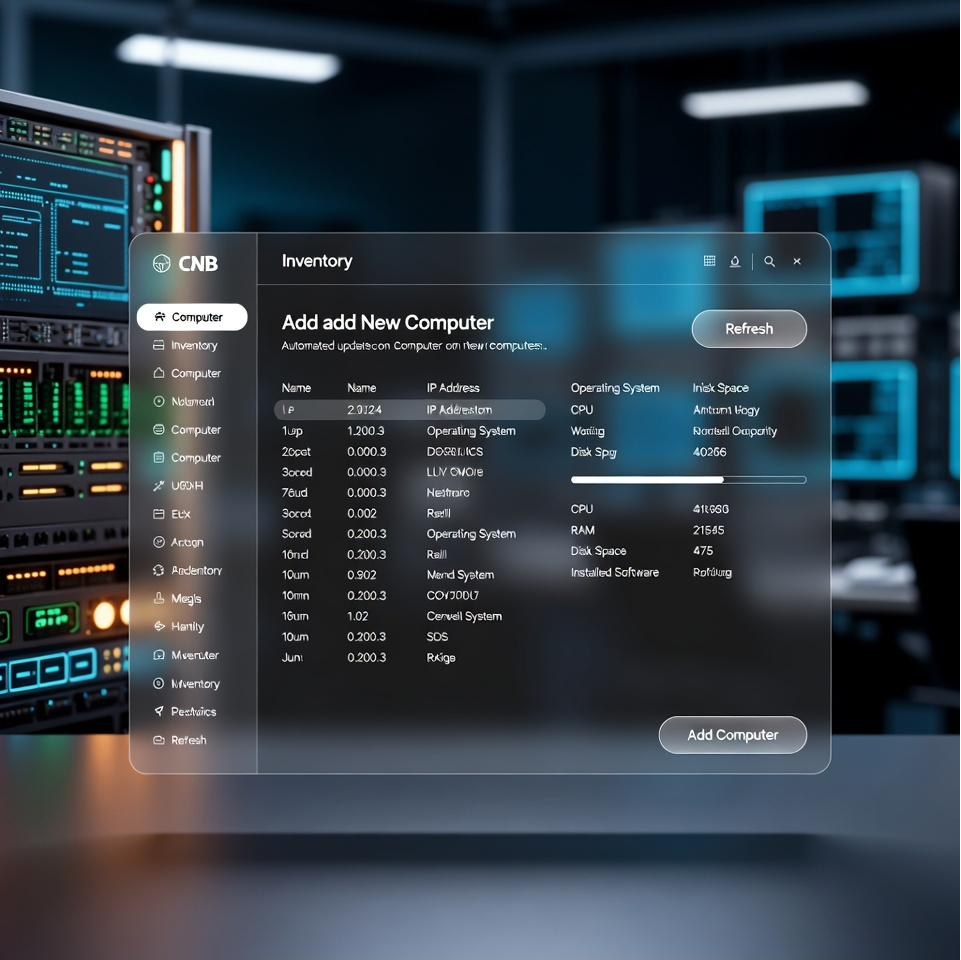 Inventory & lifecycle
With integration of ITRemote-type applications or other compatible solutions.
Onboard your workstations and automatically sync their configurations.
- Technical specifications: system information, profile applications, the full list of installed applications, updates and patches installed on the workstation.
- Location details: printer lists, partition and disk status, network settings.
- Site of operation: each workstation is linked to it. A multi-level tree structure enables fast filtering.
Standardise your configurations
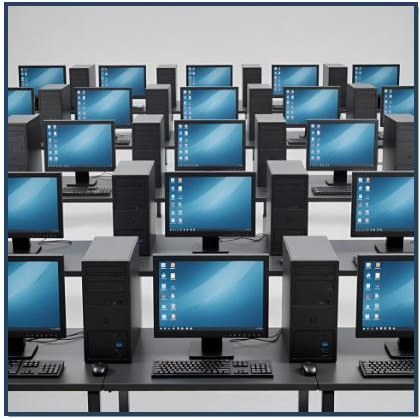 Profiles & compliance
SecuriDesk lets you remove anything undesired or anything installed inappropriately.
Harmonise systems across all your workstations or workstation groups.
Custom profiles contain all the elements of the technical combination suited to a hardware profile:
- Standard scripts: configuration scripts.
- Custom scripts: configuration, cleanup, and compliance scripts.
- Configuration files specific to each profile.
- Configuration data applied automatically.
Create your software bundles
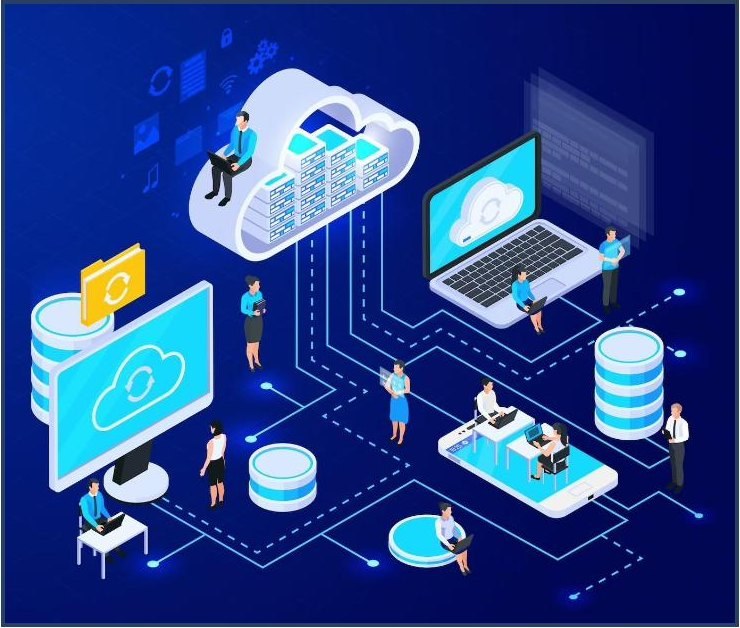 Software deployment
These bundles are secured and built from software collections offered by SecuriDesk or from a collection of your own choosing.
Choose between standard bundles and self-service bundles.
- "Core" bundles are defined for each workstation group. They are installed systematically and kept up to date on all relevant workstations — with as many configurations as you need.
- "On-demand" bundles give users a choice of software from a predefined, secured list — with as many options as you want to offer.
Three more IT asset management features to discover
Automatic updates, traceable security patches, and an AI companion — the rest of your IT estate's lifecycle.
Update automatically
 Silent maintenance
These automated operations deliver significant savings in the deployment and management of your software estate.
Carry out maintenance silently, at the right time.
SecuriDesk verifies the authenticity of every file and every installation or update patch. These are applied without disrupting users. The technical operations run automatically:
- either at scheduled times, globally or individually,
- or when computers shut down,
- or on a priority basis in case of emergency.
Optimise your security patches
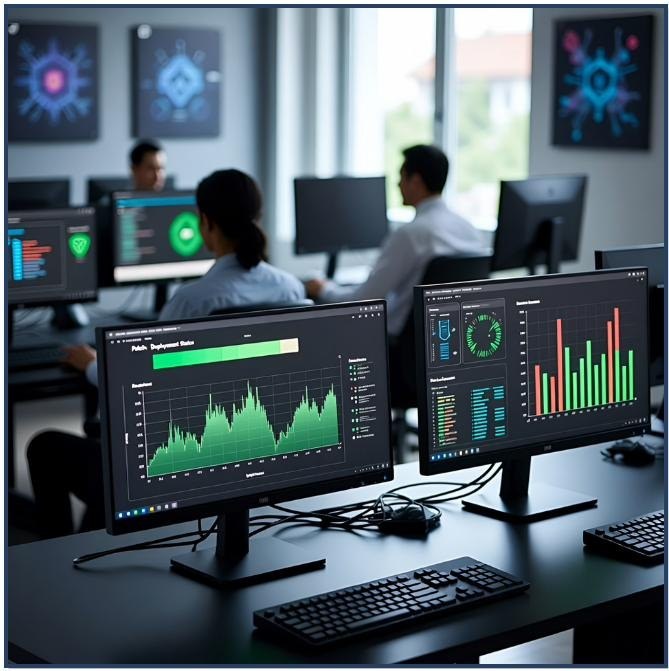 NIS2 traceability
Dedicated reports address NIS2 requirements specifically.
Track patch rollout all the way to full completion.
If you already use standard group policy management tools, SecuriDesk adds complementary incident recovery functions for every workstation.
SecuriDesk treats every device individually and carries out the necessary technical operations until they reach full completion.
Give your users a companion
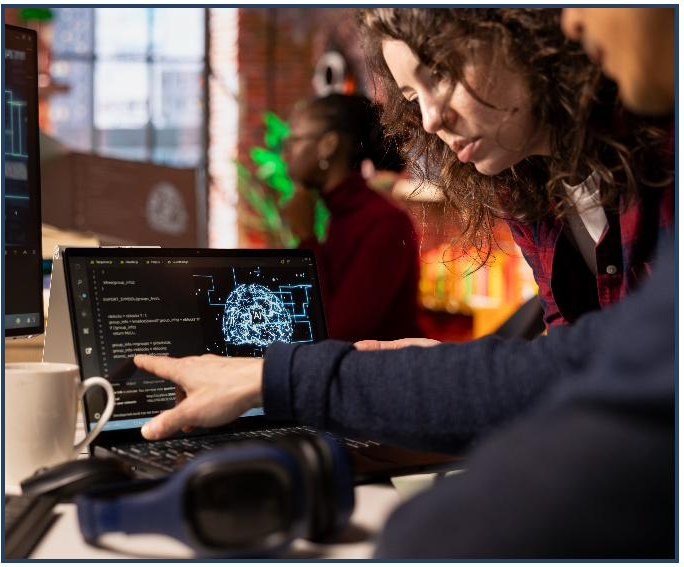 100% private AI
SecuriDesk's 100% private AI operates in a fully closed loop, guaranteeing that all your sensitive data stays confined within your own infrastructure.
Reduce technical support tickets and usage-related requests.
SecuriDesk's private AI option lets your users get answers to their questions. These answers draw on:
- either SecuriDesk's knowledge base,
- or your own knowledge base exclusively, or both.
Support works in tutored mode: users can review all the resources used to generate the answer (tutorials, videos, FAQs).
Take back control with SecuriDesk IT asset management features
Let's talk about your context and see together how SecuriDesk addresses your six challenges.